Simple & Advanced Modes
Soracom Query offers two usage modes, Simple and Advanced, to match your expertise and workflow.
Simple Mode
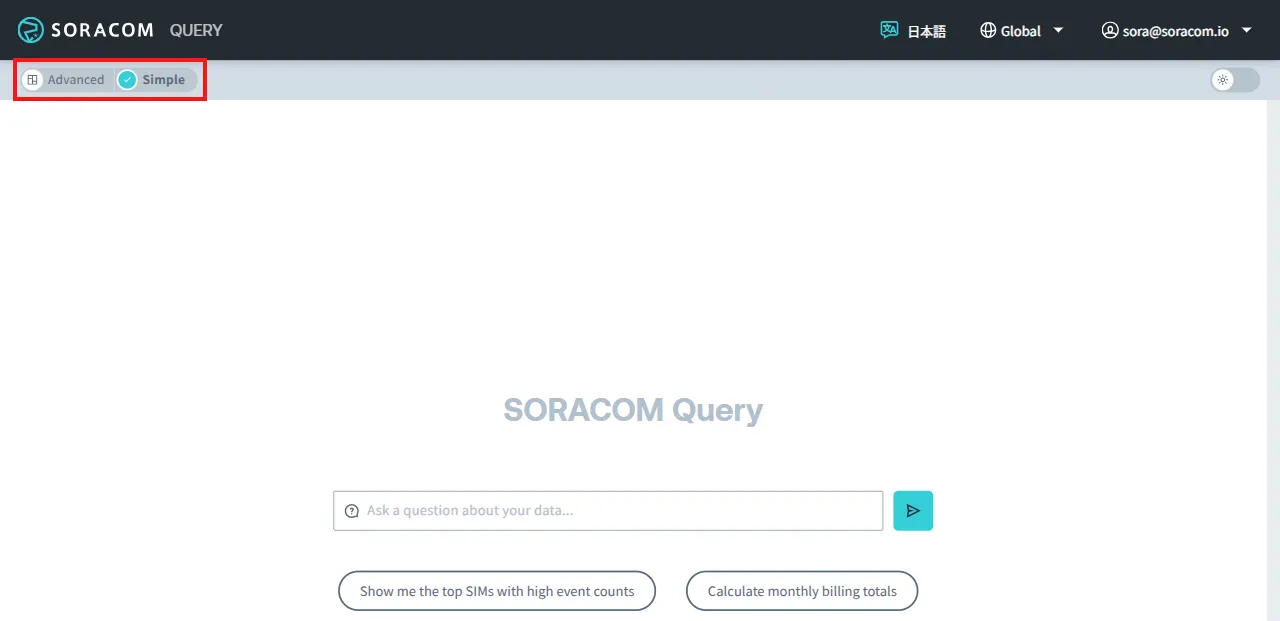
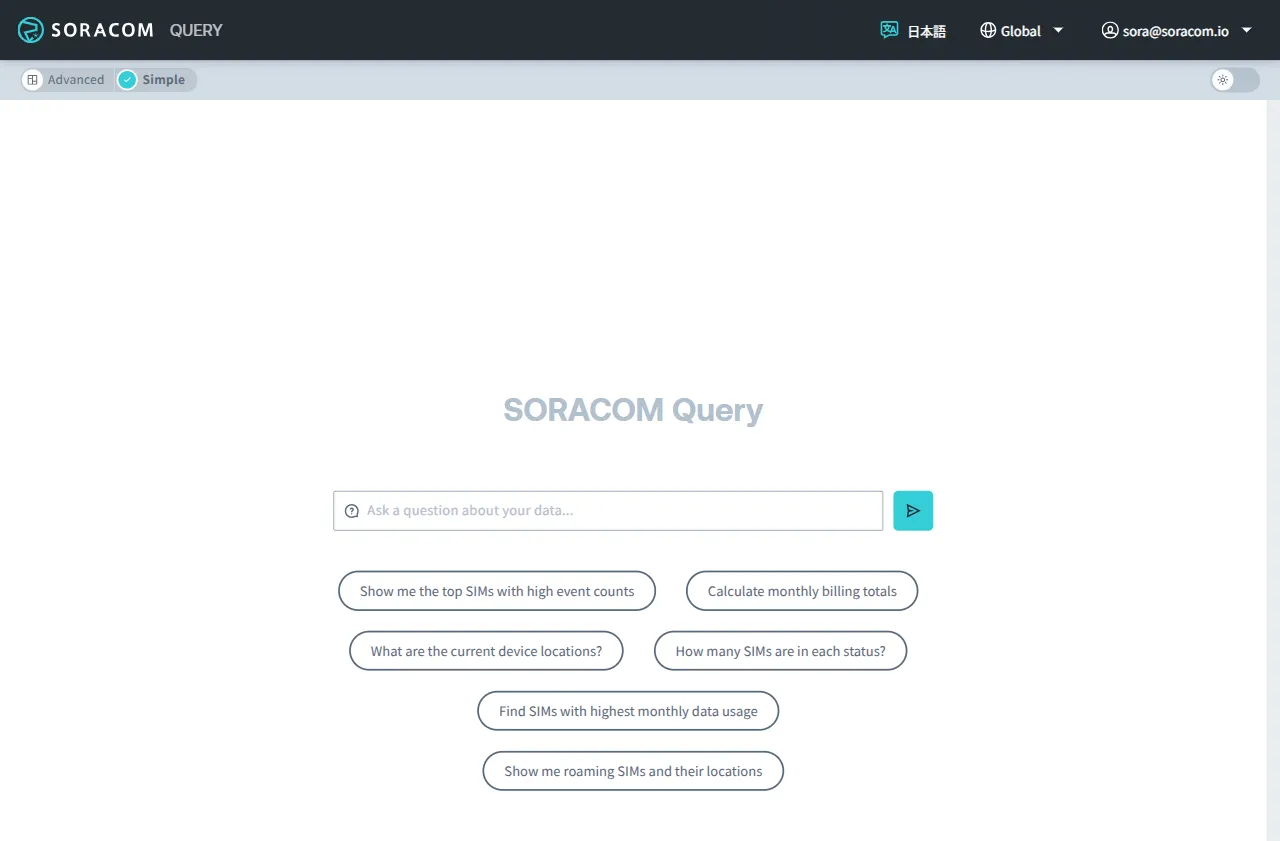
The Simple Mode allows you to ask questions about your fleet and its data in natural language or to select from preset options to quickly get insights. Results can be viewed as charts, tables, or text.
Advanced Mode
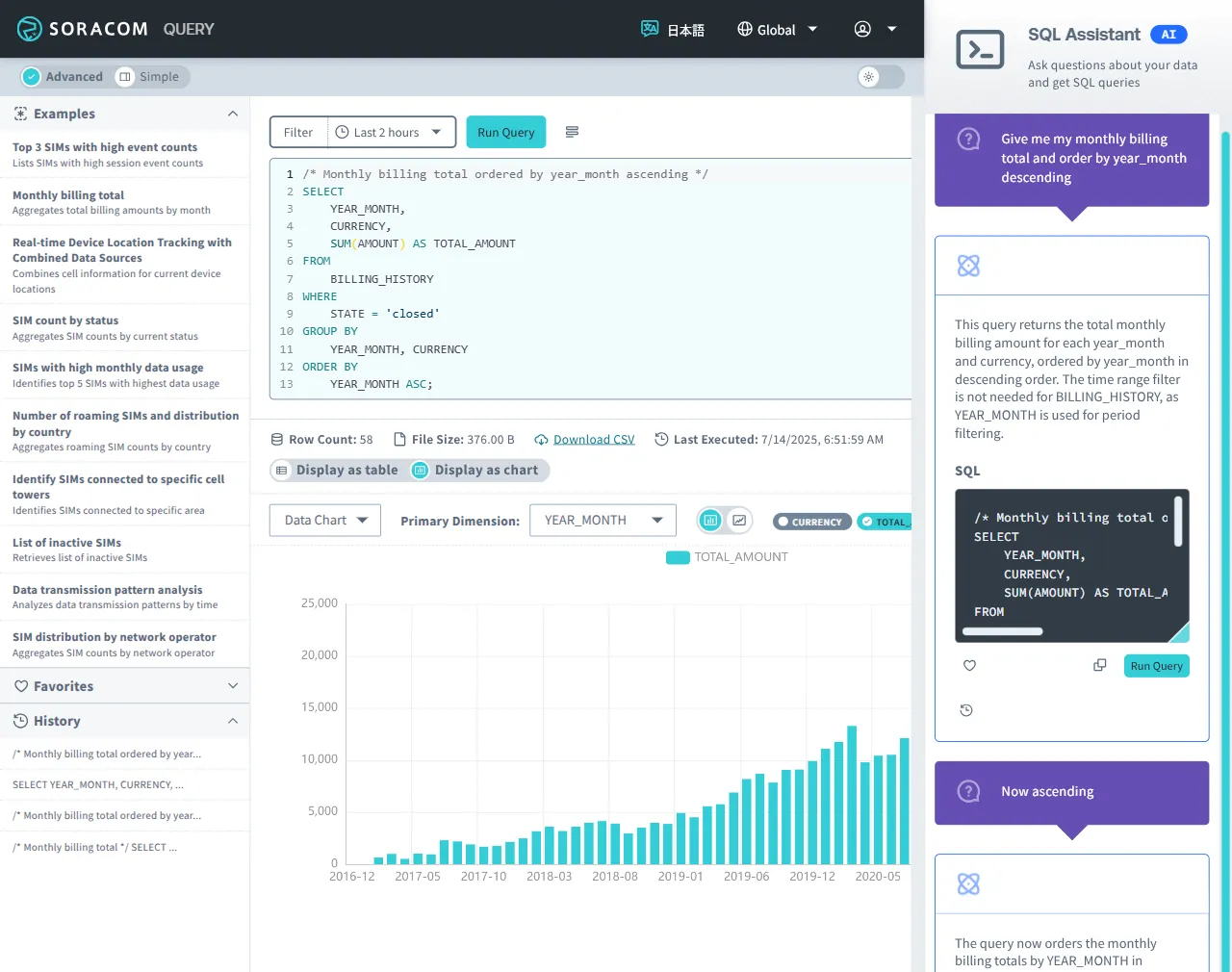
The Advanced Mode provides an editor for writing and running custom SQL queries, as well as a SQL Assistant to help generate SQL queries from a natural language prompt. You can also save, favorite, and reuse past queries.
Note that Soracom Support is unable to provide assistance regarding SQL queries, such as creating SQL query samples, reviewing or testing SQL queries generated by the SQL Assistant, or providing prompts for SQL query generation.
Changing Modes
To switch modes:
-
Sign in to the User Console as the Root user and select the appropriate coverage type.
-
From the Menu, expand Soracom Query and select Soracom Query.
-
Click the Simple or Advanced switch on the Soracom Query screen.