


Hardware Setup
If your Soracom Onyx LTE™ USB Modem has an eSIM or a pre-inserted IoT SIM, no additional hardware setup is required. Simply plug the Onyx modem into a USB port on your device and proceed to the Software Setup documentation.
SIM Installation
If your Onyx modem came with a separate IoT SIM, follow the steps below to insert the SIM card:
-
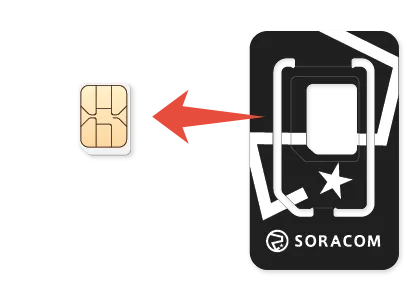
Carefully remove the Soracom IoT SIM card from its outer packaging.
-
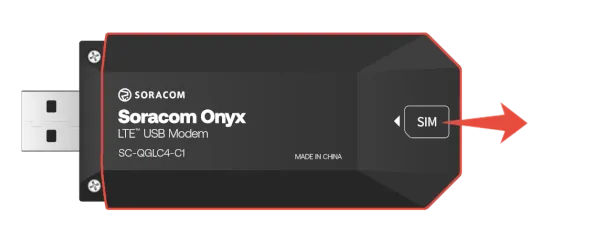
Slide the rear cover open to access the SIM slot.
-
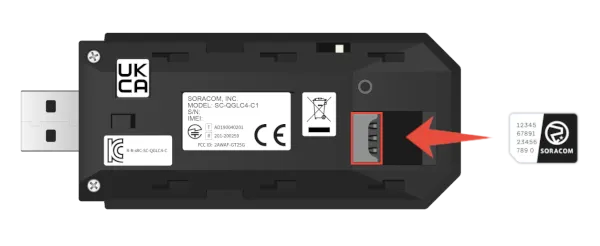
Insert the SIM card into the SIM slot, paying attention to the orientation notch.
-
Slide the rear cover back into place.
Your Onyx modem is now ready to be inserted into a USB port on your device for the software configuration.