


Send Test Data to a Channel
Using a channel’s Test feature, you can verify how data is processed by that channel and its downstream Flux app components.
-
Open the Studio tab of the Flux app.
-
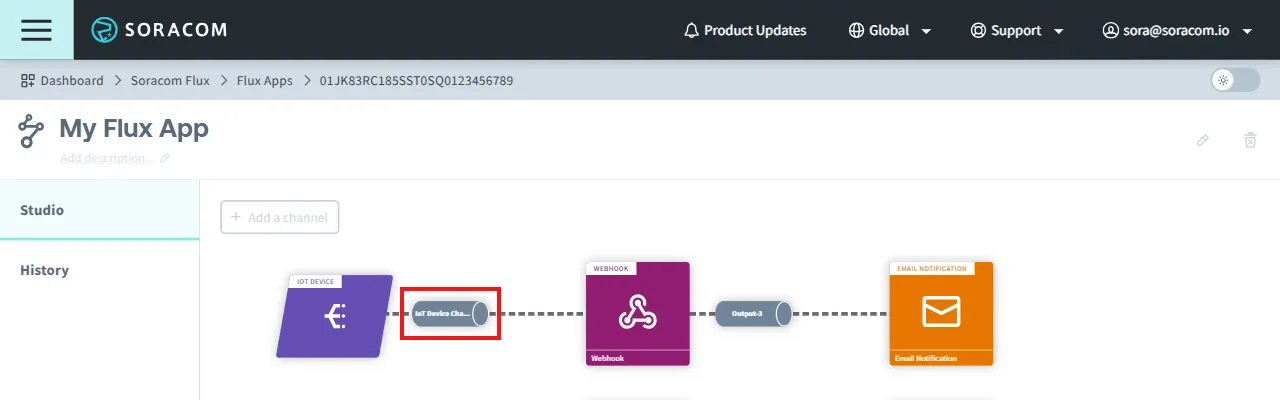
Click the channel you want to test.
For example:
-
Select the Test tab and enter your test data in the HTTP Body in JSON if applicable. If your test doesn't require any inputs, enter
{}as an empty payload.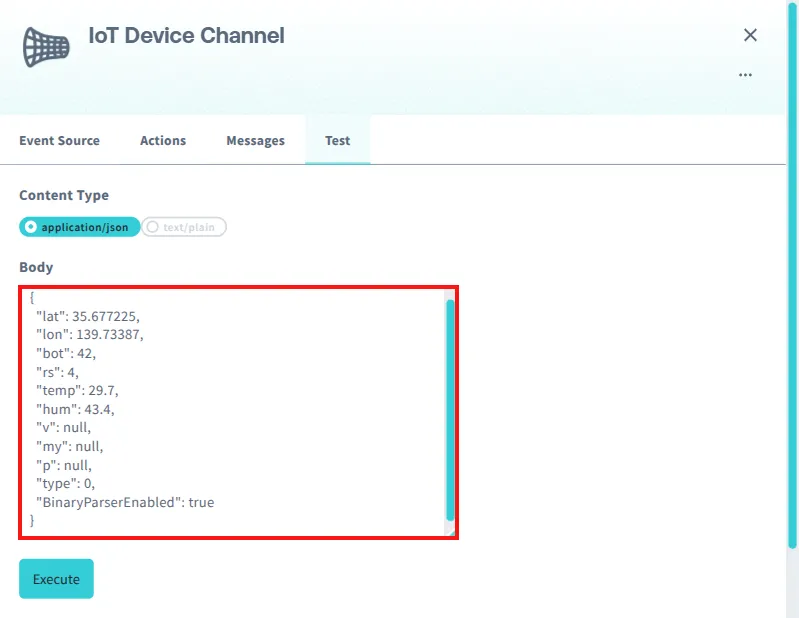
-
Click Execute to run the test and display results.
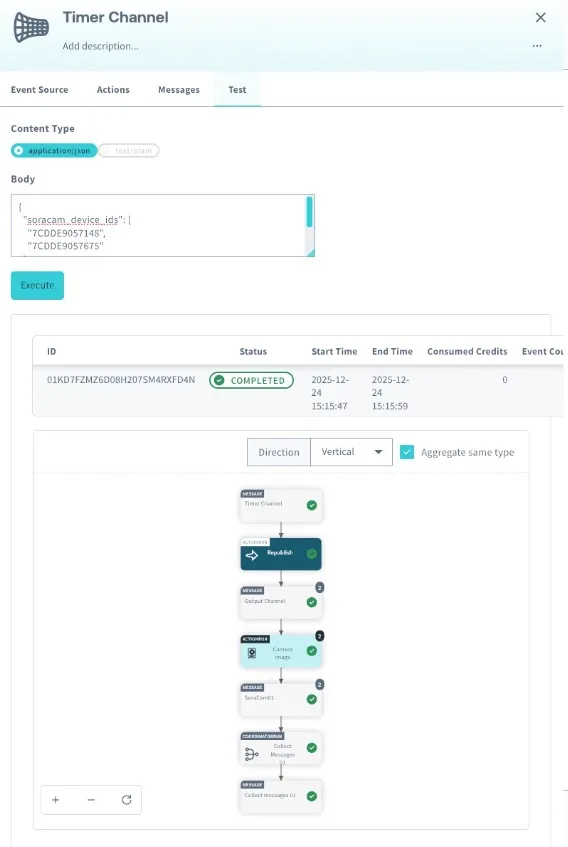
You can also view the channel’s execution history, including tests run in the Test tab, in the Messages tab. For more information on viewing log history for Flux apps, channels, and actions, see View Logs.